

Description
Relive 8-Bit Gaming on iPhone
Overview
The ZX Spectrum Elite Collection brings iconic 1980s home computer gaming to modern iPhone users. Designed for fans of retro computing and classic arcade titles, this app offers a curated selection of six included games, with an additional six set to be released in a future free update. The software serves as a digital archive for a generation of gaming history, allowing users to experience titles that defined early home computing. It caters primarily to nostalgic users who grew up with the ZX Spectrum, as well as younger audiences curious about vintage gaming culture. The developer has focused on authenticity, replicating the visual and functional feel of the original Spectrum 128 and offering a toggle to switch to the 48k model for purists. Real-world usage scenarios include casual gaming during downtime, educational exploration of early software design, and personal nostalgia trips. The app’s interface is built around the classic Spectrum aesthetic, blending retro charm with modern mobile usability.
Key Features & Capabilities
- Authentic ZX Spectrum Emulation – The app replicates the look, feel, and behavior of the original 8-bit home computer, offering a historically accurate experience.
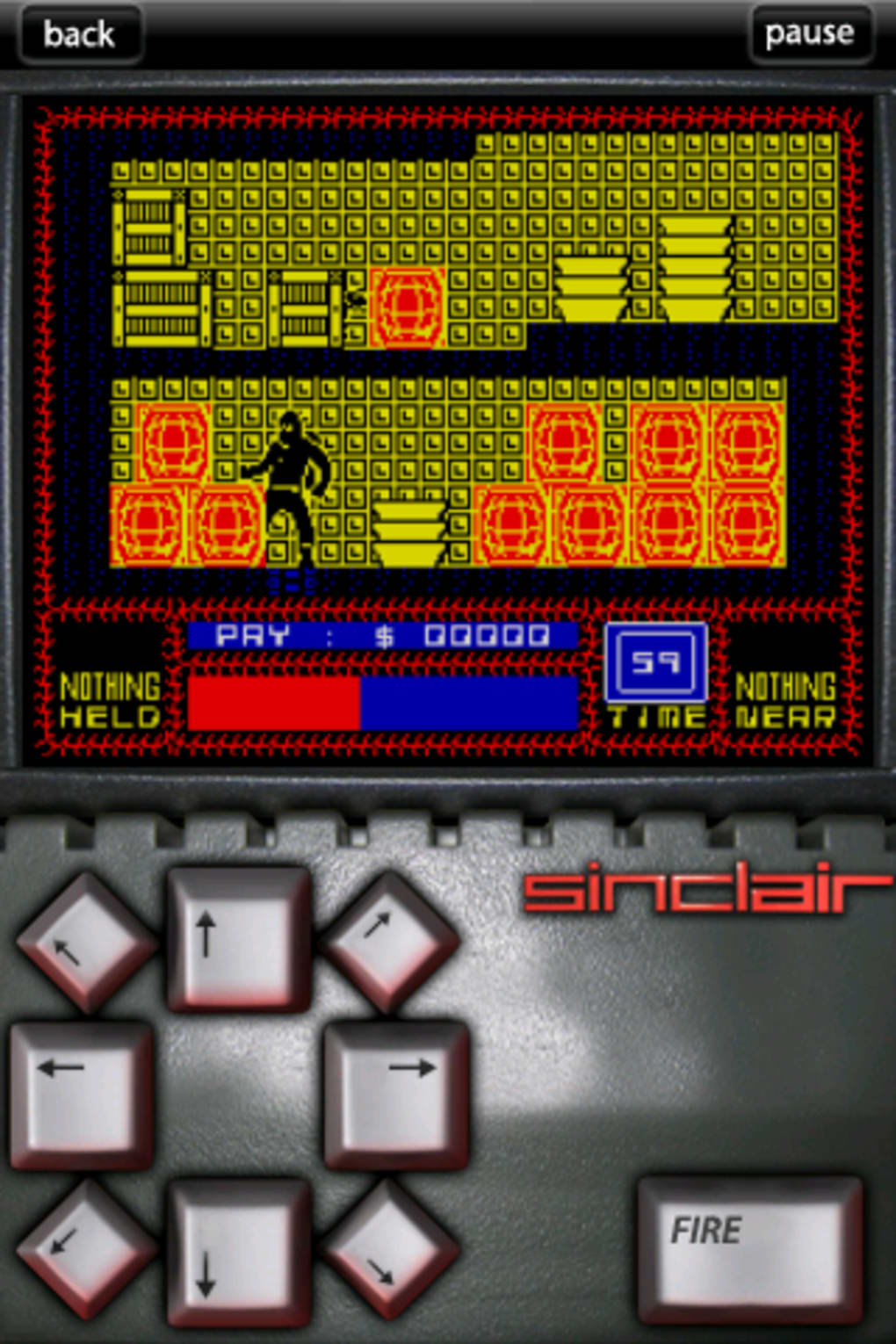
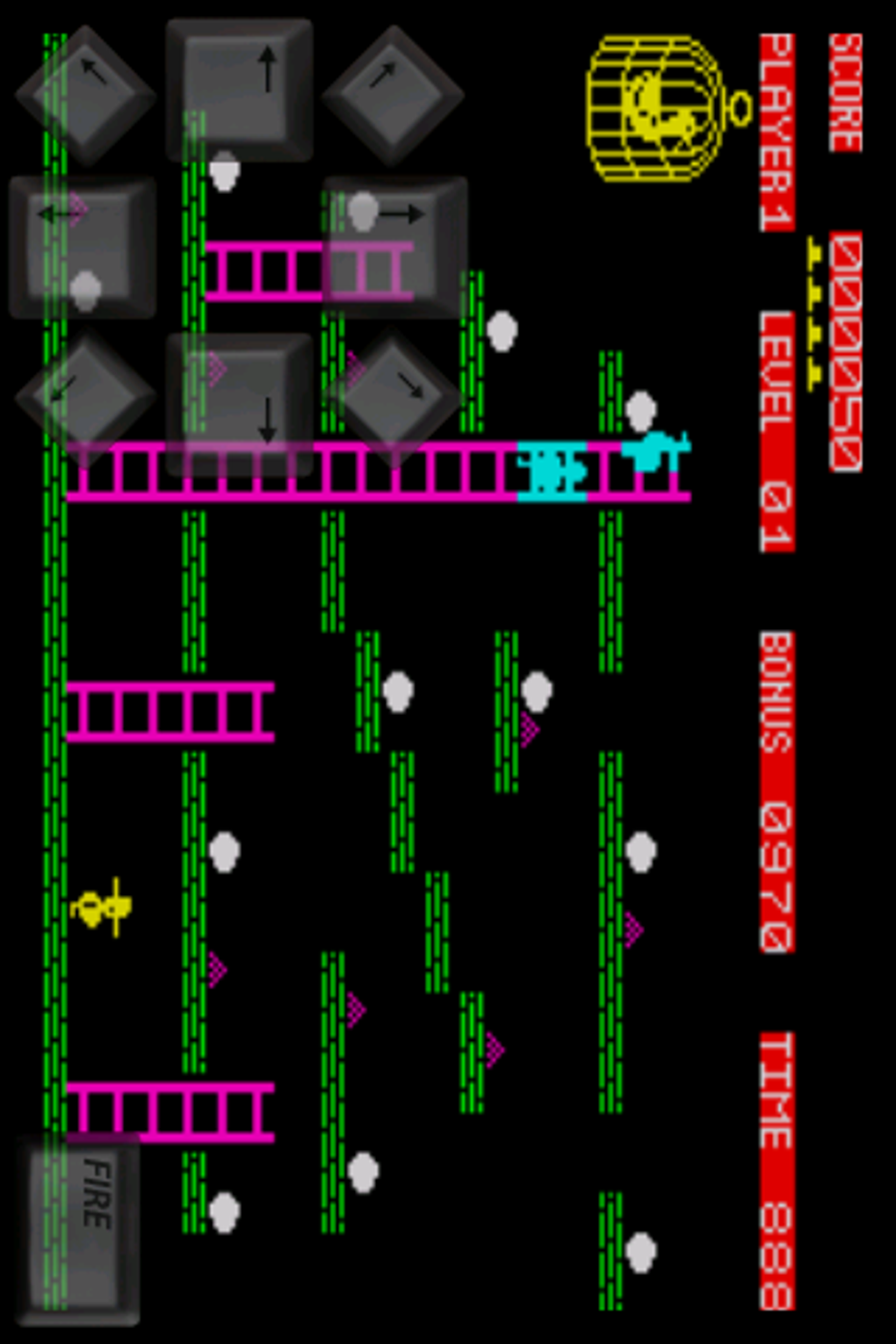
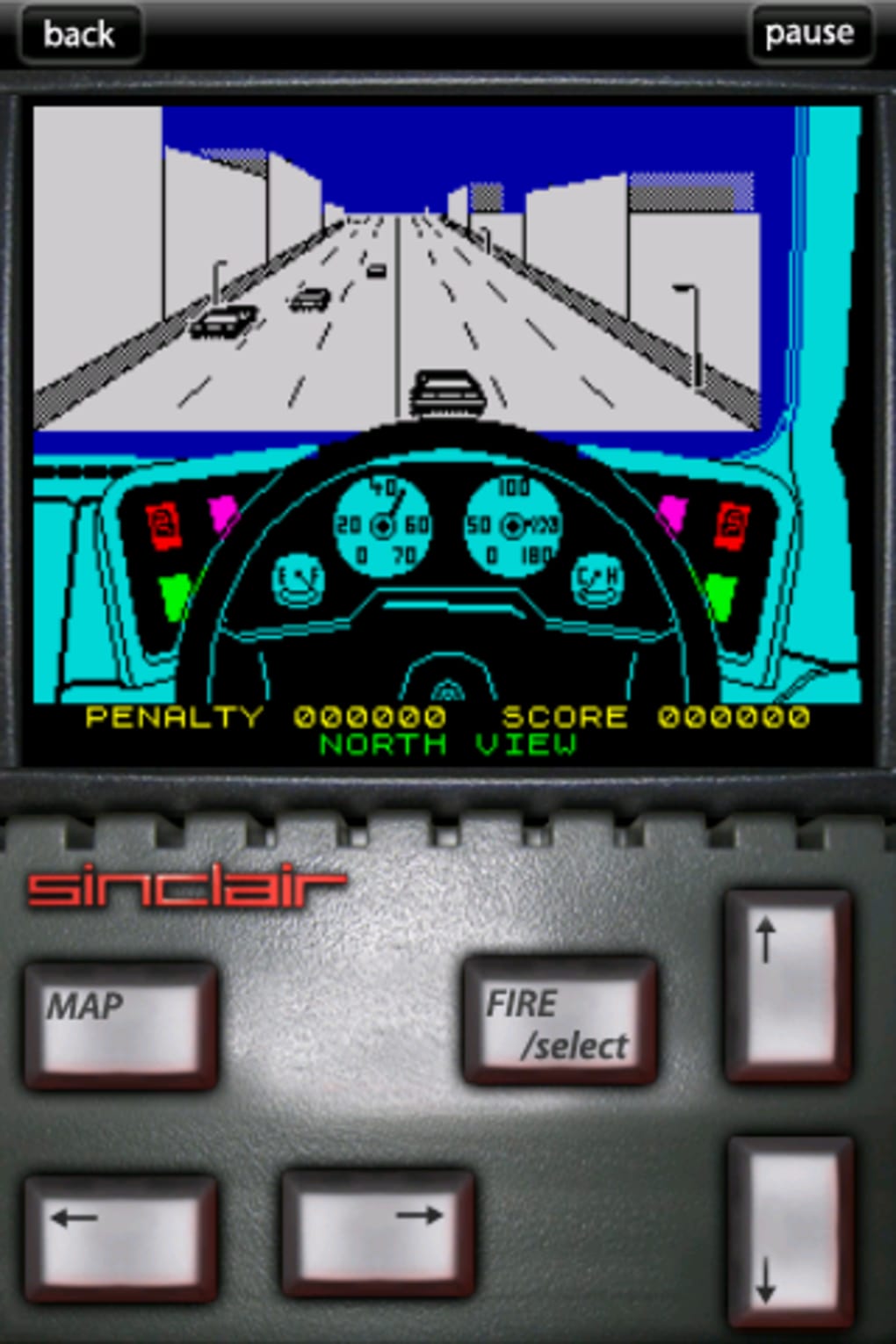
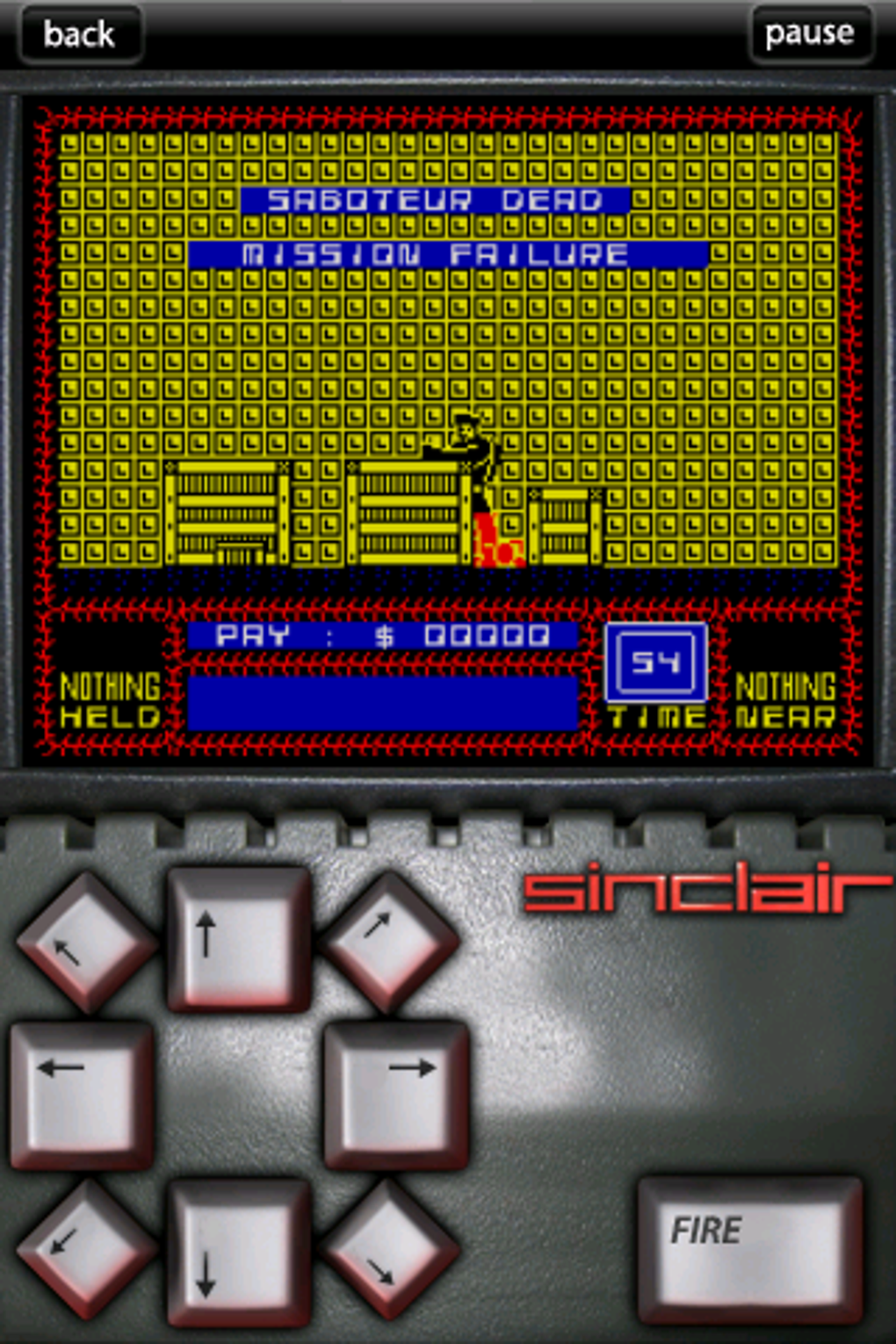
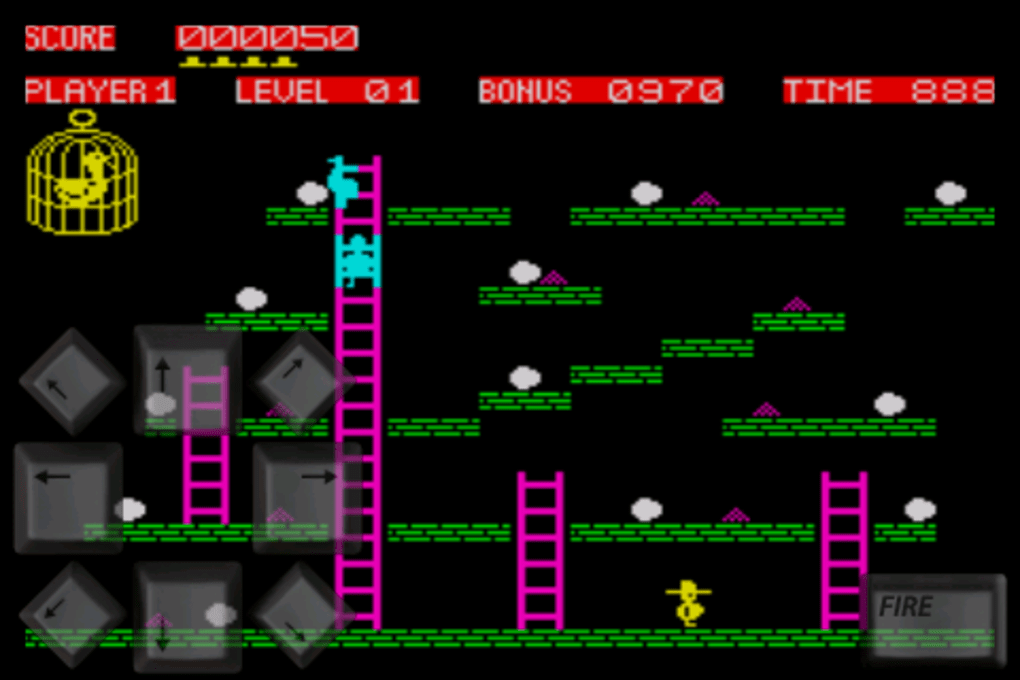
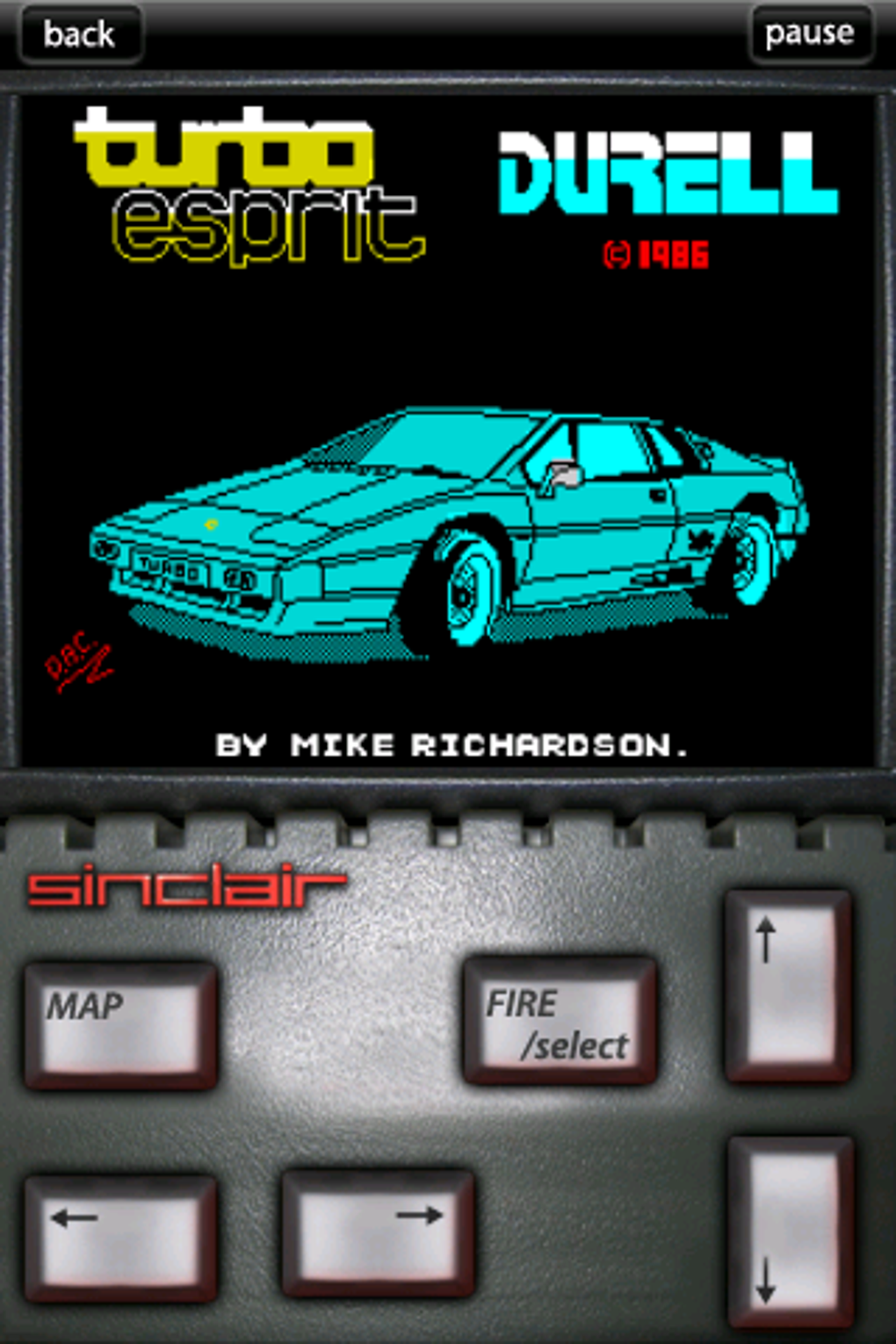
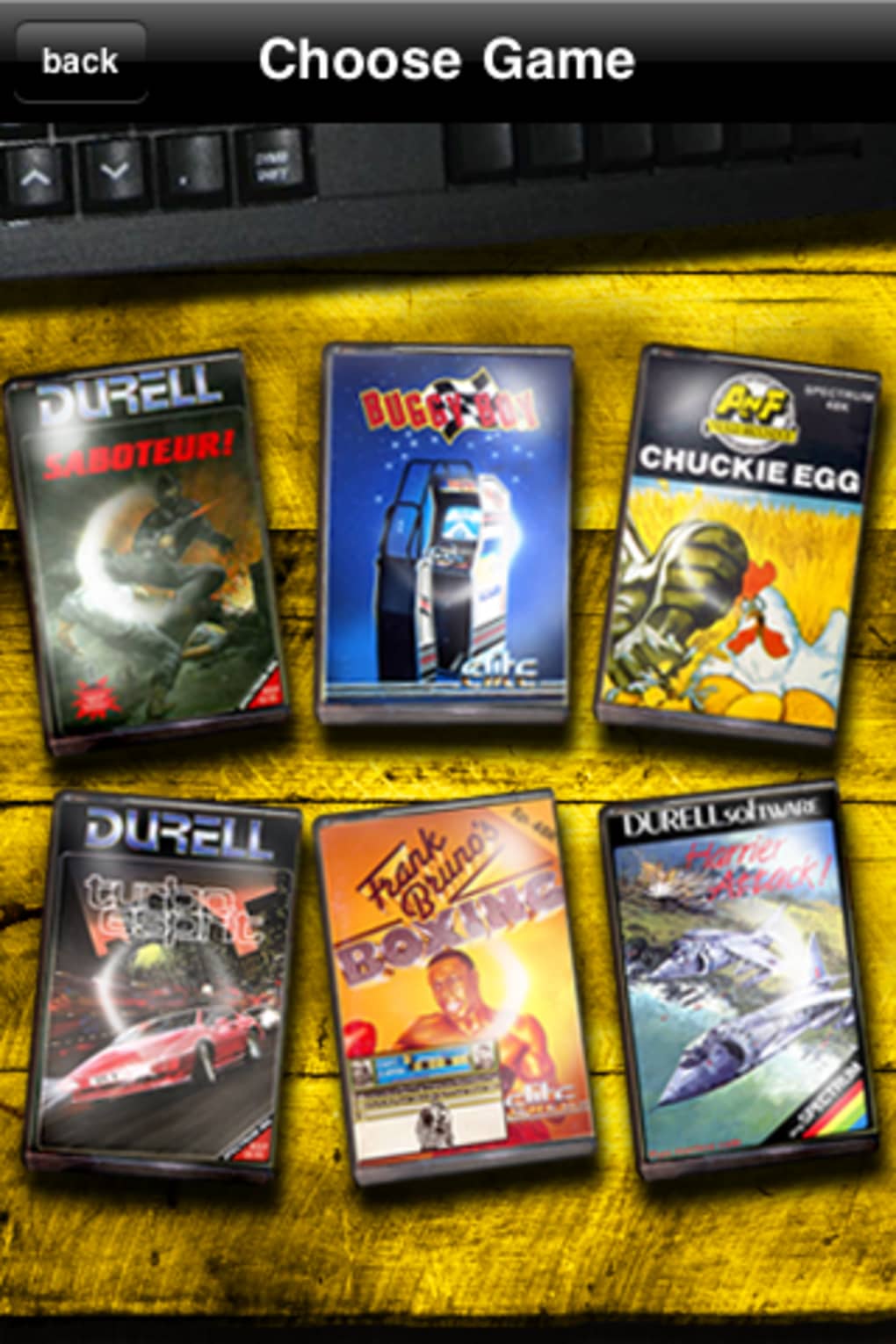
- Curated Game Library – Includes six well-known Spectrum titles such as Turbo Esprit, Saboteur, Chickie Egg, Harrier Attack, Frank Bruno’s Boxing, and Buggy Boy.
- Future Free Updates – A planned release of six additional games will expand the collection at no extra cost.
- Multiple Spectrum Model Support – Users can switch between the Spectrum 128 and 48k versions to match their preferred retro experience.
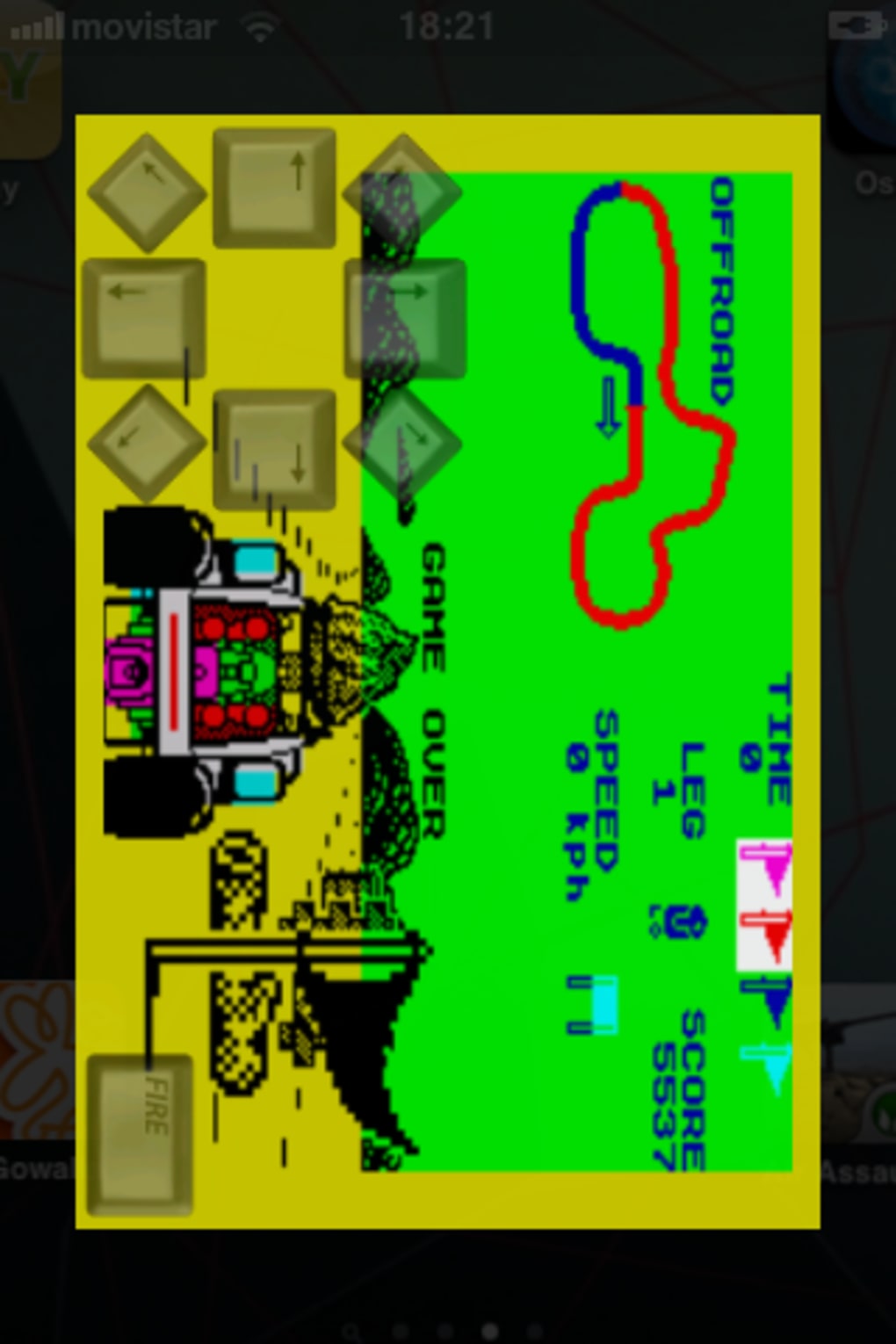
- Adaptive Screen Orientation – Games can be played in both landscape and portrait modes, offering flexibility based on game type and user preference.
- Game-Specific Controls – Each title comes with tailored touch controls optimized for its gameplay mechanics.
These features enable users to engage with classic games in a way that respects their original design. For example, Turbo Esprit’s racing mechanics are supported by responsive touch steering, while Saboteur’s puzzle elements are navigated via intuitive tap-based actions. The inclusion of game-specific instructions helps new players understand the unique mechanics of each title. While the app does not support external controllers, the built-in interface is designed to minimize friction for first-time users. The focus remains on accessibility and preservation, making it easier than ever to explore a significant chapter of gaming history from a mobile device.
User Interface, Workflow & Performance
The user interface follows standard iPhone design patterns, ensuring immediate usability for most mobile users. The main screen presents a Spectrum-style boot screen, followed by a game selection menu that mirrors the original computer’s layout. Navigation is straightforward, relying on taps and swipes, with no complex menus or hidden functions. The workflow is linear: launch the app → choose a game → start playing. This simplicity enhances accessibility, particularly for users unfamiliar with emulation software. The app’s performance is consistent with typical mobile applications, though exact resource usage details were not specified. Users can expect smooth gameplay during standard use, though performance may vary depending on device age and background activity. Stability appears to be maintained across multiple sessions, with no reported crashes or freezes in the provided information. Touch controls are functional but not ideal for games originally designed for physical keyboards and joysticks. The interface does not include advanced customization options, but this aligns with the app’s goal of preserving authenticity over modernization.
Compatibility & System Requirements
The ZX Spectrum Elite Collection is designed exclusively for iPhone devices. The software version is 1.0.5, with an installation size of 148.8 MB. The developer did not provide additional system requirements, including minimum iOS version or hardware specifications. Compatibility information is limited to the target platform, which is iPhone. Users should ensure their device supports the app’s graphical and audio rendering capabilities, though no specific details were shared. The app is compatible with both landscape and portrait orientations, allowing users to choose the most comfortable mode for each game. No information was provided regarding background processing, cloud sync, or data storage. For users upgrading from older versions, the update path is not detailed. The lack of explicit system requirements means that installation success may depend on individual device configurations, which are not publicly documented.
Pros and Cons
Pros
- Authentic emulation of classic ZX Spectrum games
- Free access to six core titles with more planned in future updates
- Support for both Spectrum 128 and 48k models
- Intuitive interface designed for iPhone users
- Game-specific controls tailored to individual titles
- Portrait and landscape mode support for flexible gameplay
Cons
- Touch controls may not fully replicate original keyboard and joystick experience
- No external controller support mentioned
- Limited system requirements information
- Performance details not disclosed
- May feel slow or outdated for new users unfamiliar with 8-bit gaming
FAQ Section
Is the ZX Spectrum Elite Collection free to download and use?
Yes, the app is available at no cost. It includes six games at launch, with six additional titles planned for a future free update.
What iOS devices are compatible with this app?
The app is designed for iPhone devices. Specific compatibility details, such as minimum iOS version or hardware requirements, were not provided by the developer.
Can I play the games in both portrait and landscape mode?
Yes, the app supports both screen orientations. Users can switch between them depending on the game and personal preference.
Are there any in-app purchases or ads?
The provided information does not mention in-app purchases or advertisements. The app is offered as a free download with no additional costs.
How often are updates released?
Updates are planned to include new games, with the next batch scheduled for a future release. The frequency of updates has not been specified.
Final Thoughts
The ZX Spectrum Elite Collection delivers a faithful and accessible way to experience a pivotal era in gaming history. While touch controls may not match the precision of original hardware, the app succeeds in capturing the spirit and charm of 8-bit classics. It is particularly valuable for nostalgic users and those interested in retro computing. The inclusion of multiple Spectrum models and planned future content adds long-term appeal. For fans of vintage software, this is a compelling desktop-like experience on a mobile device. The app balances authenticity with usability, making it a standout choice among retro gaming tools. Download ZX Spectrum Elite Collection now.
Guides & Tutorials for ZX Spectrum Elite Collection
How to install ZX Spectrum Elite Collection
- Click the Preview / Download button above.
- Once redirected, accept the terms and click Install.
- Wait for the ZX Spectrum Elite Collection download to finish on your device.
How to use ZX Spectrum Elite Collection
This software is primarily used for its core features described above. Open the app after installation to explore its capabilities.
User Reviews for ZX Spectrum Elite Collection 0
No reviews found





